
Webhooks
Setting up and sending notifications via webhooks (Slack, Discord, Microsoft Teams, Google Chat) — an extension of the raw REST call pattern.
Webhooks are an extension of the raw REST call pattern — instead of you constructing the
target URL/body yourself for a general REST/Telegram/Pushover endpoint, the destination service (Slack, Discord,
Microsoft Teams, Google Chat) hands you a pre-built URL that you rest post to directly.
Setting up Webhooks
Webhooks are user-defined HTTP callbacks that enable real-time communication between web applications; they are the simplest and fastest way to send messages into third-party applications as it simply uses a REST (post) request as opposed to needing to develop a full application for messaging.
Steps
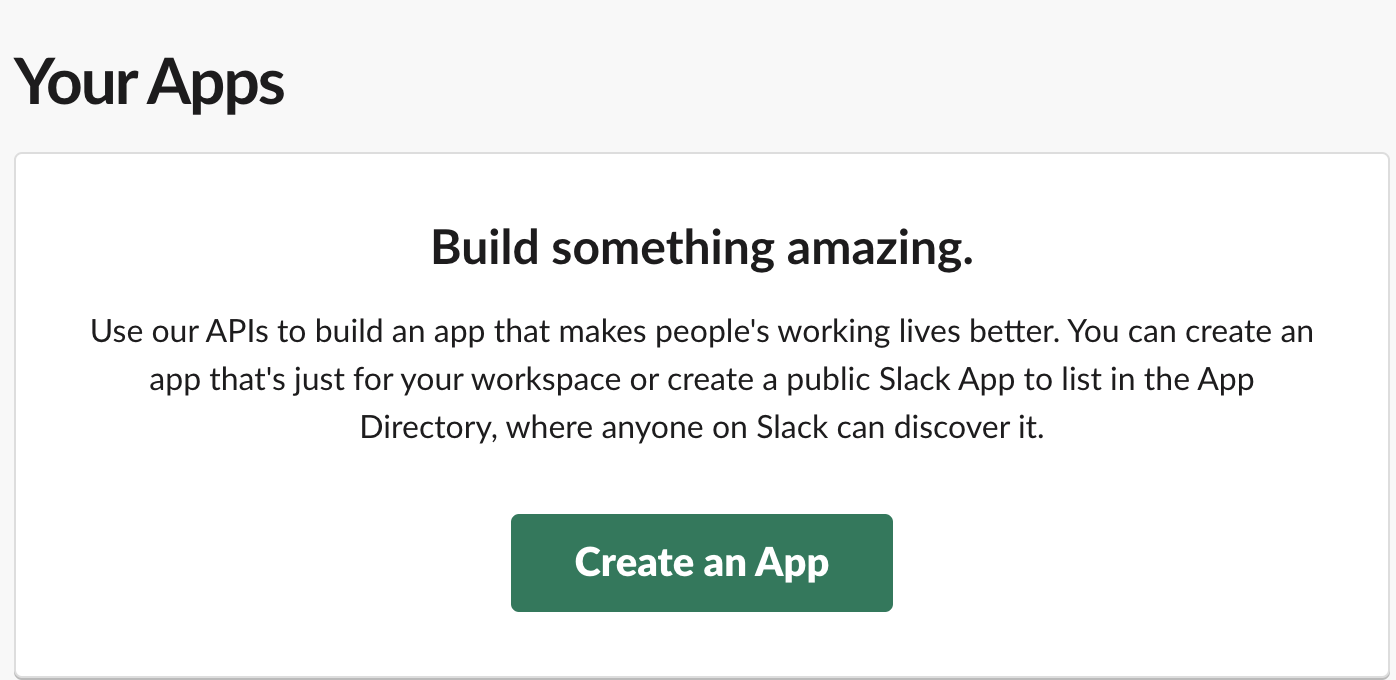
- Go to https://api.slack.com/apps/.
-
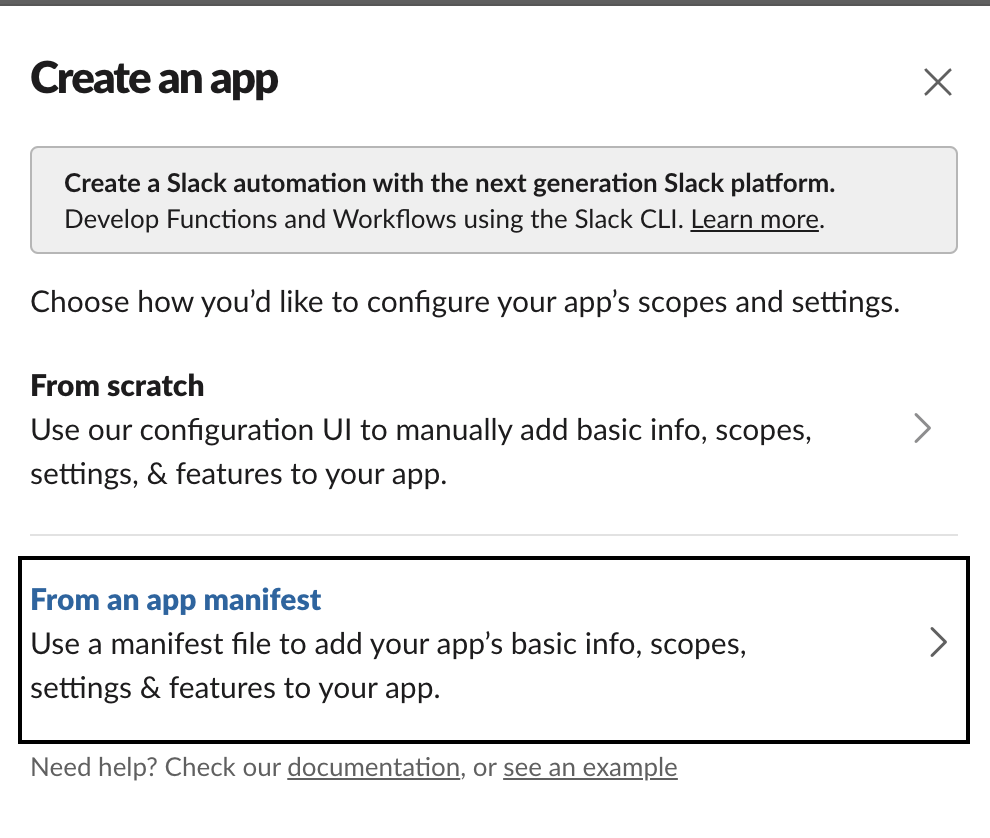
Under Create, create an app from manifest.
-
Select the preferred channel.
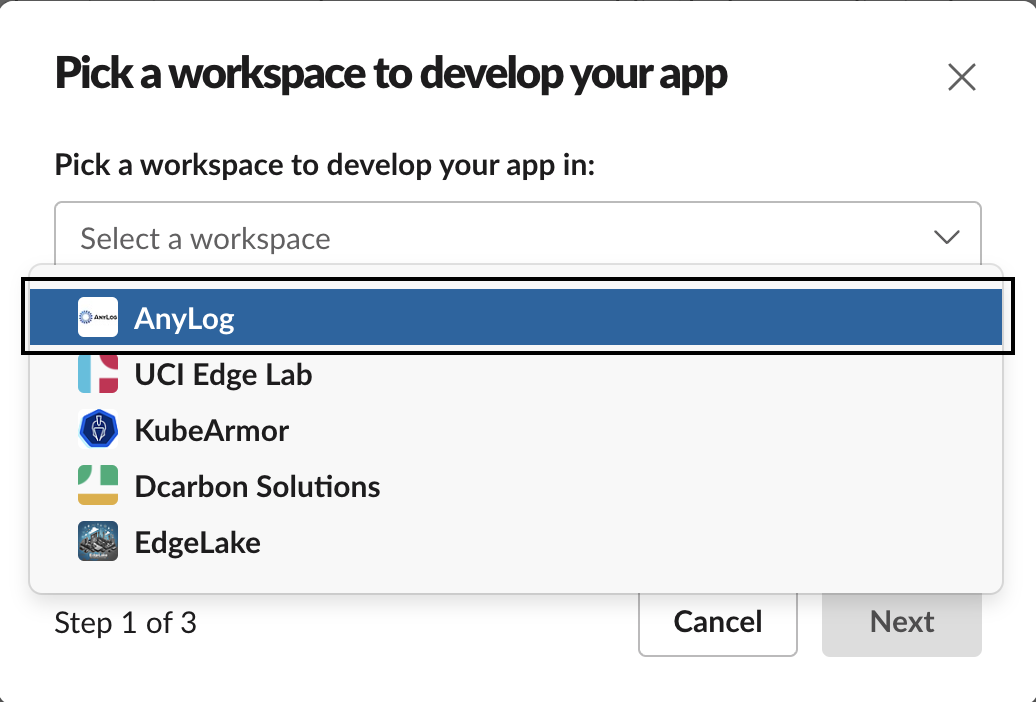
- Press continue / next till the end.
-
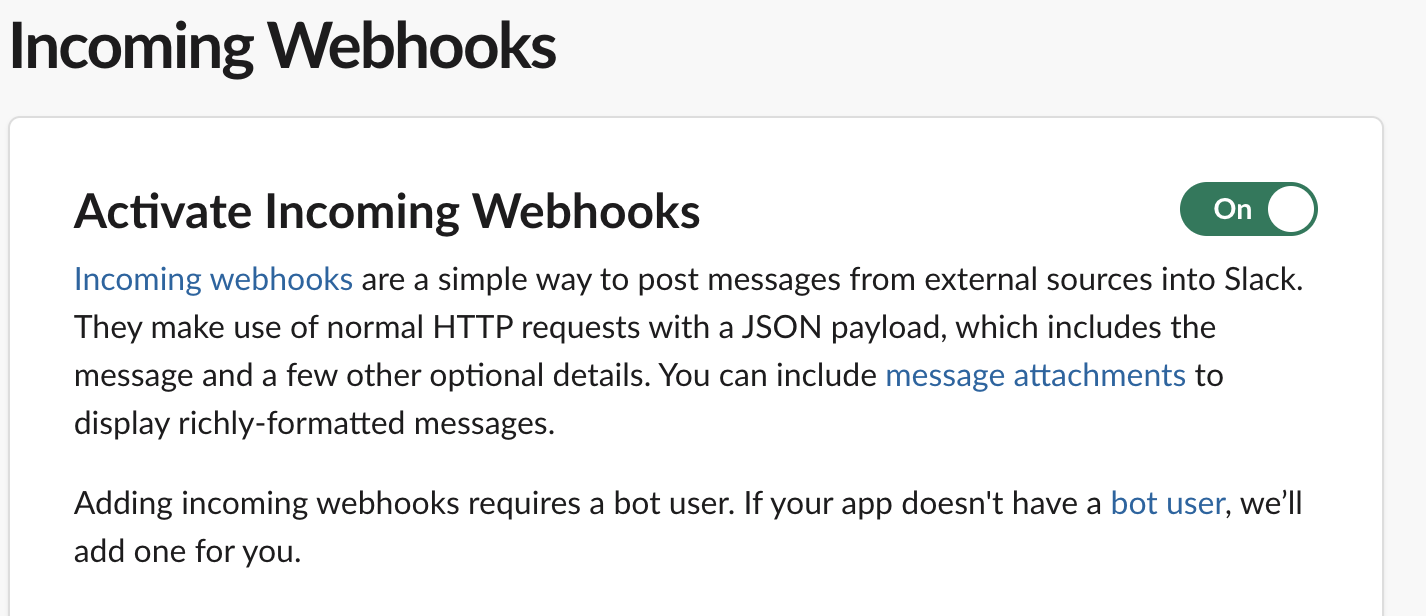
Select Incoming Webhooks.
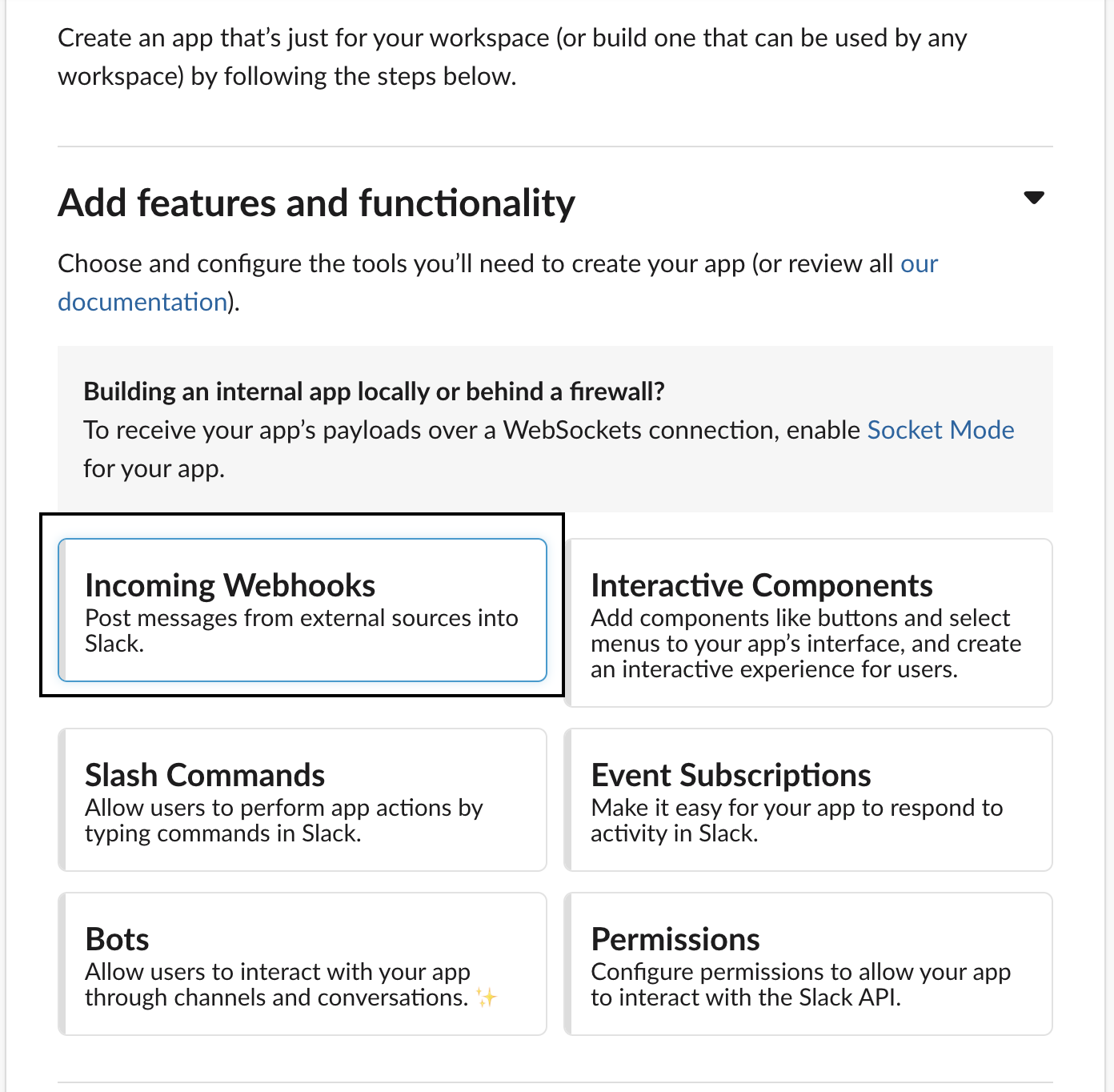
-
Enable Webhooks.
-
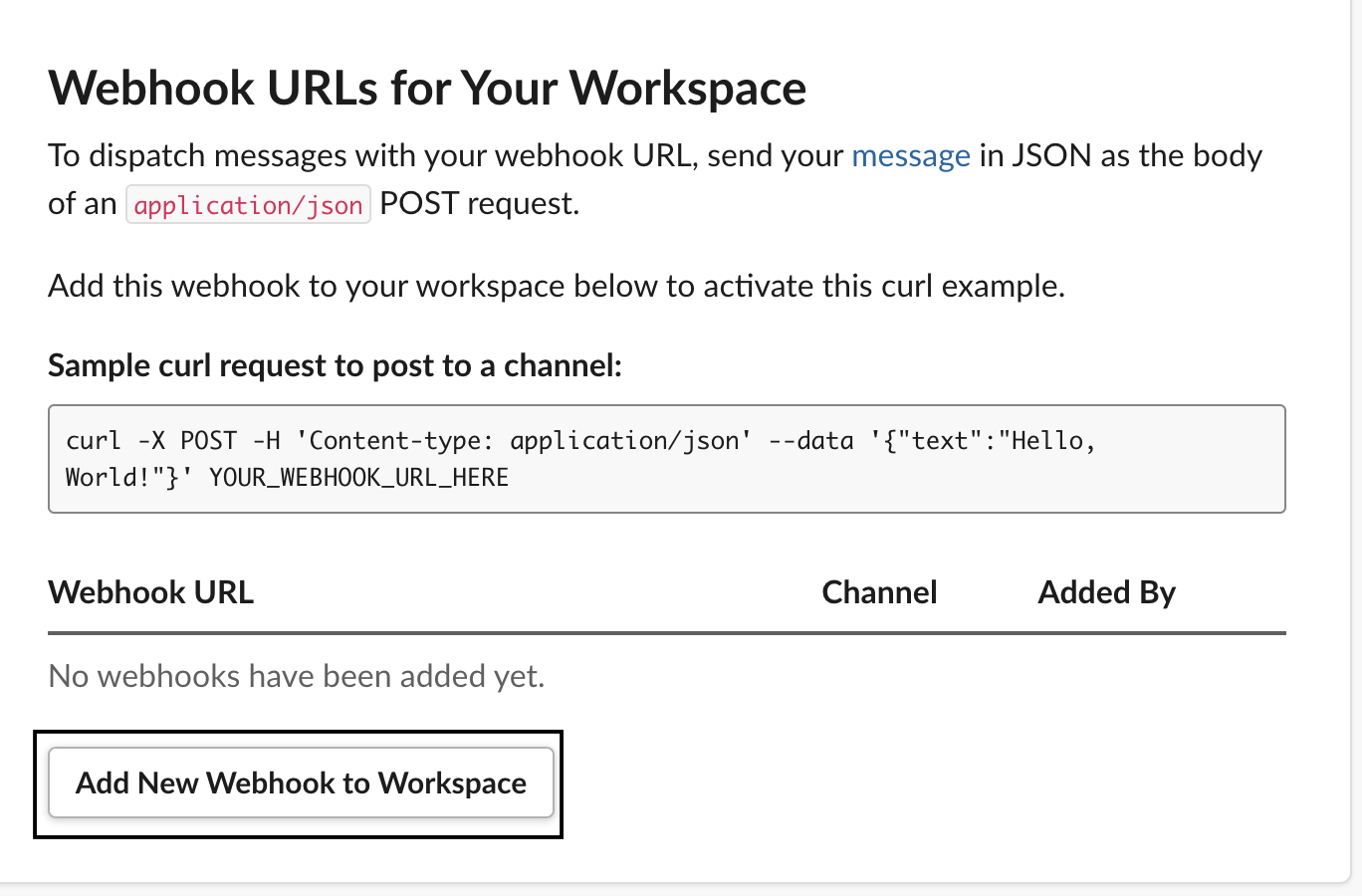
At the bottom, add Webhook to the workspace.
-
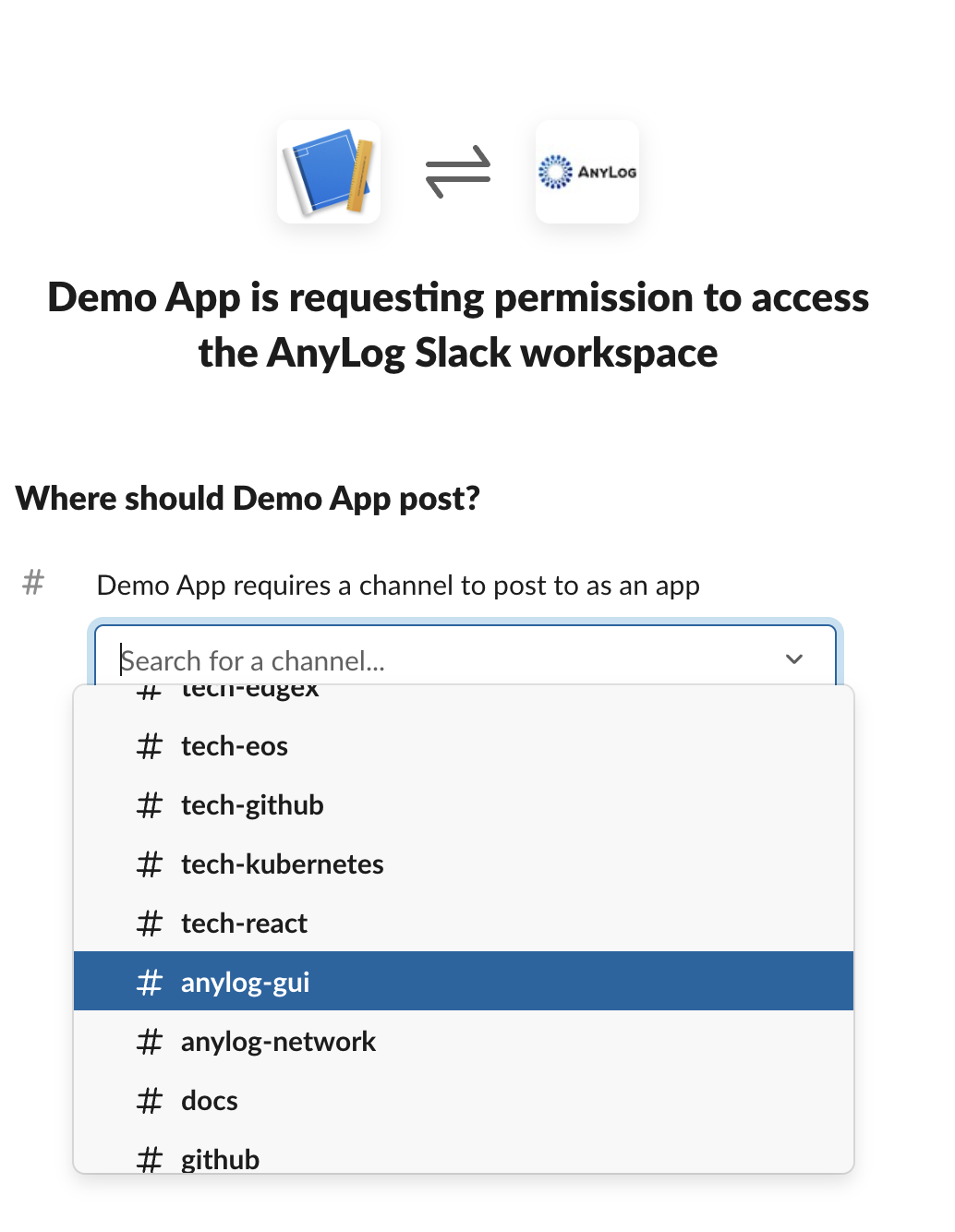
Select which channel in Slack to send messages to.
-
When done, you should see a webhook URL. This will be used as part of your REST request in AnyLog.
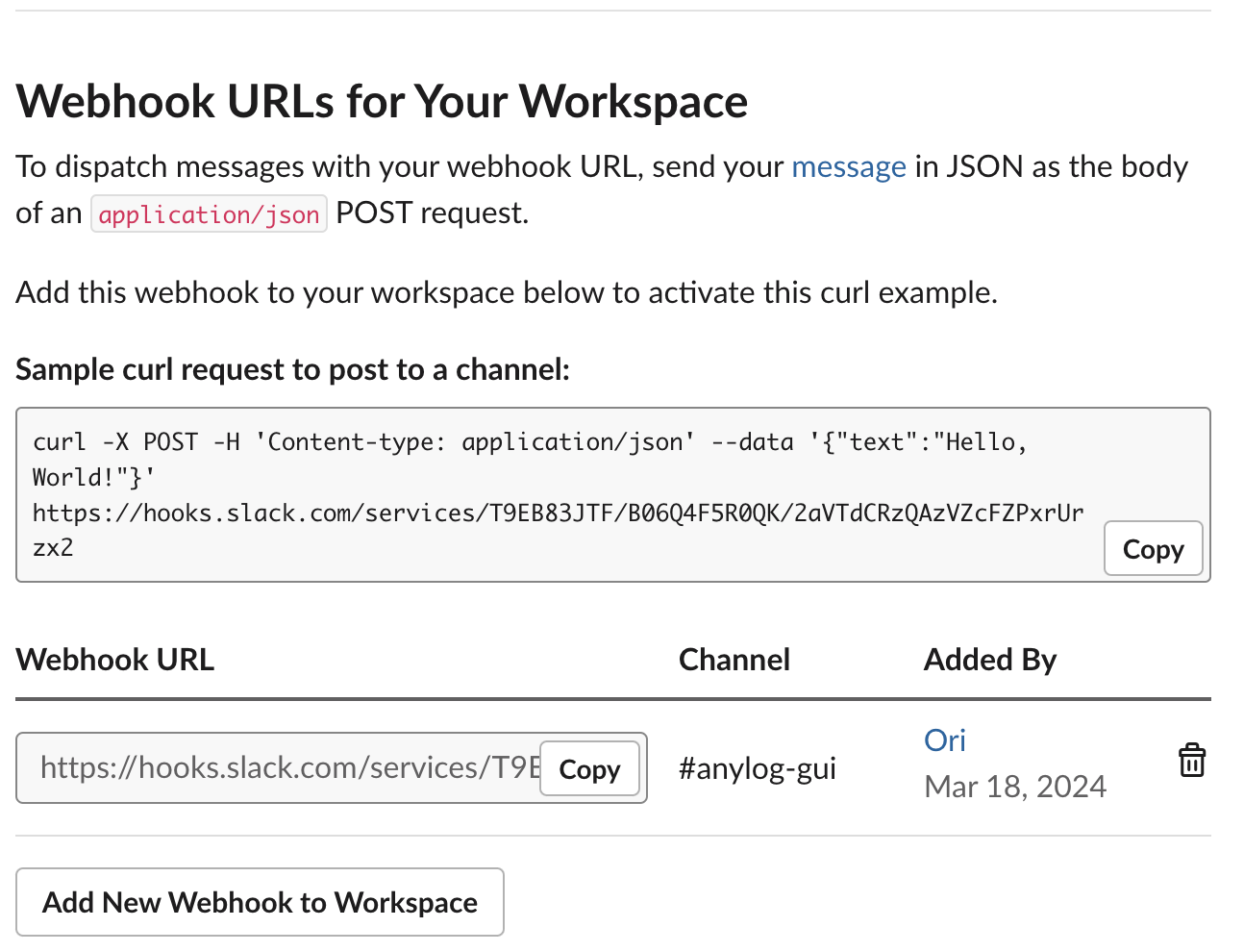
Generated URL (example format — yours will have your own workspace and webhook IDs):
https://hooks.slack.com/services/[team_id]/[webhook_id]/[token]
Send Notifications via AnyLog
Slack Webhooks
AnyLog allows sending cURL requests via the rest command. Since Webhooks are essentially URLs to send messages into a system, we’ll be using the rest command to send notifications from AnyLog into Slack.
- Create webhook URL as a variable
webhook_url = "https://hooks.slack.com/services/[team_id]/[webhook_id]/[token]" - get percentage of CPU used and current timestamp
cpu_percent = get node info cpu_percent date_time = python "datetime.datetime.utcnow().strftime('%Y-%m-%d %H:%M:%S.%f')" - Create payload
text_msg = !date_time + " CPU usage: " + !cpu_percent payload = json {"text": !text_msg} - Publish information to Slack via REST
rest post where url = !webhook_url and body = !payload and headers = {"Content-Type": "application/json"}
Once sent, an output would appear in the proper Slack channel

Note: Google Chat, Discord and Microsoft Teams use content for the payload key as opposed to text.